photo-privacy
How to Share iPhone Photos Without Uploading Them to a Cleaner
Uploading a sensitive photo to a web cleaner can be the wrong tradeoff. A local iPhone workflow keeps the cleaning step on your device.
The cleaner should not become another privacy decision
Online metadata cleaners can be convenient, but they ask you to upload the very image you are trying to protect. For ordinary low-risk files that may be acceptable. For home photos, private documents, client images, source material, or marketplace photos, it is worth avoiding that extra handoff.
A local iPhone workflow keeps the photo on your device during metadata inspection and cleaning. You still need judgment about where you send the final image, but you do not add a web upload just to remove hidden fields.
What a local workflow should include
A useful local workflow should let you inspect the original, remove hidden fields, preserve the original file, and send out a clean copy. It should also fit normal iOS sharing habits, because privacy workflows that are too slow tend to get skipped.
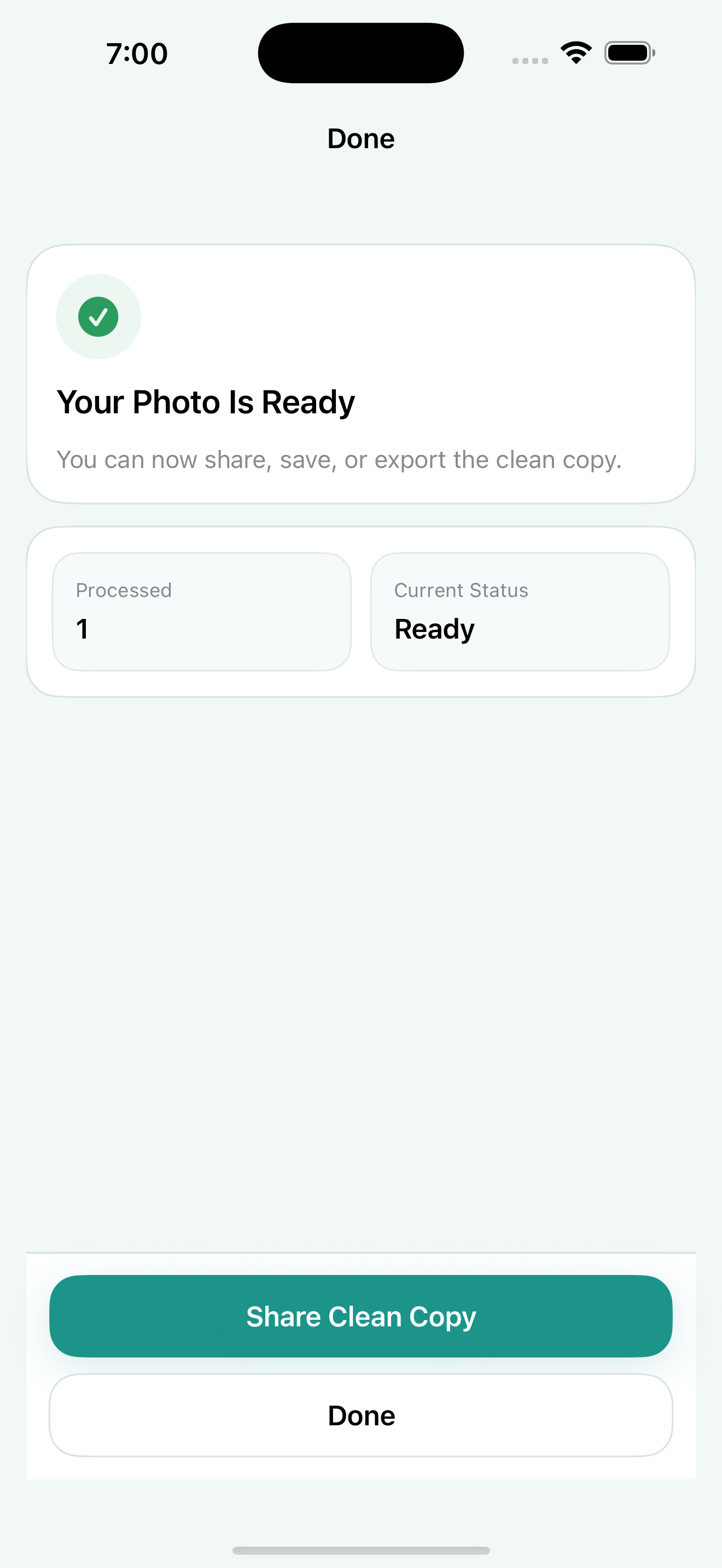
Exif Pic Gone is designed around those basics for supported iPhone image formats: import or share in one image, inspect what is inside, create a cleaned copy, then save, export, or use the system share sheet.
- Import or share in one supported image.
- Inspect hidden metadata fields before deciding what to do.
- Create a separate clean copy.
- Save, export, or share the copy through iOS.
When local processing matters most
Local processing is especially useful when the image itself is sensitive, not just the metadata. Examples include photos around a home, private workspaces, children, receipts, documents, prototypes, unpublished creative work, or client material.
In those cases, metadata removal is only one part of the decision. Keeping the cleaner local reduces one avoidable exposure before the image goes anywhere else.
What local cleaning does not solve
Local cleaning does not decide whether the final recipient, app, or platform is trustworthy. It also does not hide visible details in the image. It simply removes an unnecessary upload step from the metadata-cleaning part of the workflow.
That narrower promise is what makes the habit practical: keep the original private, create a clean copy locally, and share only the version that fits the destination.
When a web cleaner might still be fine
A web cleaner may be acceptable for a low-risk image that contains nothing sensitive and is already intended for public use. Convenience matters, and not every file deserves the same privacy effort.
The problem is using that same habit for photos from home, client work, documents, children, private events, or source-sensitive material. Those are the cases where local cleaning is a better default.
Keep the sharing path simple
A local workflow only helps if it fits how people actually share photos. Import one image, inspect it, create the clean copy, and then share that copy through iOS. Avoid creating a pile of unclear versions across apps.
If you use the share sheet, pause at the final handoff and confirm that the cleaned copy, not the original, is the file being sent.
Exif Pic Gone
Inspect metadata, then share a clean copy.
Exif Pic Gone helps you inspect and remove photo metadata on your iPhone, create a clean copy, and share that copy without uploading the image to a web tool.
FAQ
Are all online metadata cleaners unsafe?
Not necessarily. The point is that uploading creates another trust decision. For sensitive photos, a local workflow is often the simpler choice.
Does Exif Pic Gone require a web upload?
No. It processes supported images locally on your iPhone and creates a clean copy for save, export, or sharing.
Can I use the iOS share sheet?
Yes. Exif Pic Gone supports system share, and it also supports a single-image Share Extension for shorter handoff from another iOS app.
Which formats are supported?
Exif Pic Gone supports JPG/JPEG, PNG, and HEIC/HEIF for the current public iOS image metadata workflow.
