photo-privacy
A Simple EXIF Removal Workflow for Creators and Freelancers
When photos move between clients, editors, sources, platforms, and audiences, a repeatable metadata workflow prevents rushed mistakes.
Professional sharing raises the stakes
Creators, freelancers, journalists, and independent operators often move images between sources, clients, editors, platforms, and public audiences. That makes accidental metadata exposure more likely and more consequential.
The goal is not to strip every file blindly. The goal is to know what is in the original, preserve what you need privately, and share only the version that fits the job.
Use the same sequence every time
Use the same sequence for sensitive or public work. The repetition matters because rushed publishing is when mistakes happen. A workflow you can run in two minutes is more useful than a perfect checklist you never use.
Keep the original in your archive. Review visible content. Inspect metadata. Create a clean copy. Name or place the clean copy so you can tell it apart. Then deliver or publish that copy.
- Archive the original before delivery or upload.
- Review the image for visible source, location, or client details.
- Inspect GPS, time, device, software, and source metadata.
- Create a clean copy for the editor, client, or platform.
- Share the clean copy through the required channel.
Adjust the strictness to the job
A creator posting behind-the-scenes images may only need a basic check. A freelancer delivering client work may need clean copies and clear file names. A journalist or source-sensitive operator may need a broader safety process around identities, locations, communication channels, and archives.
Exif removal is one layer. It should sit alongside visual review, consent, client requirements, platform rules, and any professional safety process that applies.
Where Exif Pic Gone helps
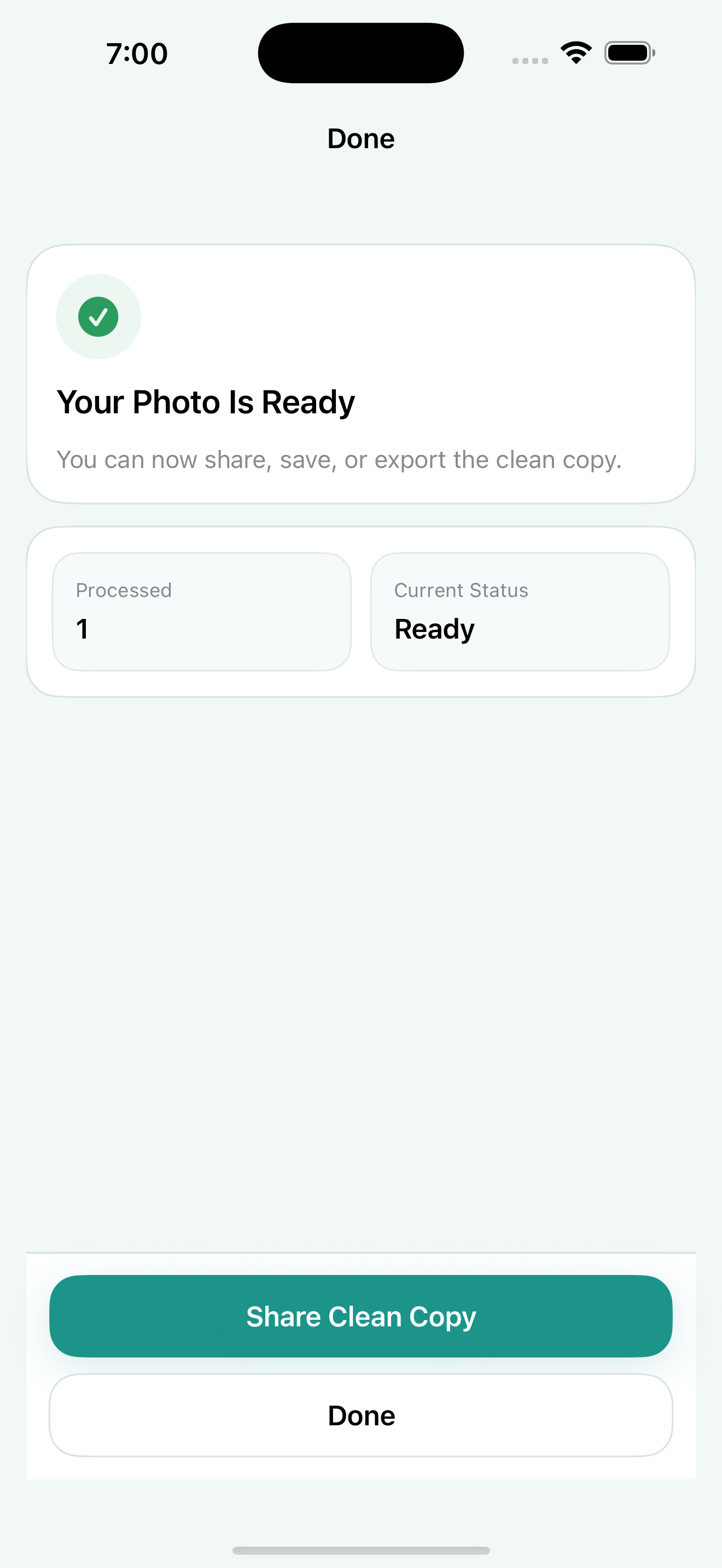
Exif Pic Gone fits the mobile part of this workflow. It can inspect hidden metadata fields in supported images, create a clean copy locally on iPhone, and share the cleaned result through iOS.
For higher-risk reporting or legal workflows, use it as one practical step inside a broader verification and safety process.
Build the workflow around handoff points
Professionals usually make mistakes at handoff points: sending to a client, uploading to a CMS, attaching images to a pitch, posting behind-the-scenes material, or forwarding a source image. Those moments deserve a repeatable check.
A simple rule helps: originals stay in the archive, cleaned copies leave the archive. If a recipient specifically needs original metadata, make that an intentional exception rather than the default.
Document your habit for repeated work
If you work with clients, editors, or collaborators, write down the rule once. For example: originals are stored privately, visible details are reviewed, metadata is inspected, and public or external deliveries use clean copies unless original metadata is required.
That small operating rule reduces ambiguity when you are moving quickly, and it makes the workflow easier to explain if someone asks how images were prepared.
Exif Pic Gone
Inspect metadata, then share a clean copy.
Exif Pic Gone helps you inspect and remove photo metadata on your iPhone, create a clean copy, and share that copy without uploading the image to a web tool.
FAQ
Should journalists always remove EXIF data?
For public or source-sensitive sharing, metadata should be reviewed carefully. Some archives may need original metadata, so keep the original and share a clean copy when appropriate.
What should freelancers remove before client delivery?
It depends on the client and project, but location, capture time, device, software, and source fields are common fields to inspect before delivery.
Can creators use this before posting to social platforms?
Yes. Creating a clean copy before posting gives you more control than assuming every platform will handle metadata the way you expect.
Is Exif Pic Gone a full newsroom security tool?
No. It is an iPhone photo metadata cleaner. Source-sensitive or legal work should use a broader security and verification process.
