On-device processing
Photo cleaning happens locally on your iPhone; your images are not sent to a developer server for metadata cleanup.
iOS photo privacy app
Before you post, sell, send, or publish a photo, Exif Pic Gone shows what is inside and helps you create a safer copy.
Share photos without handing over hidden location, device, or capture details.
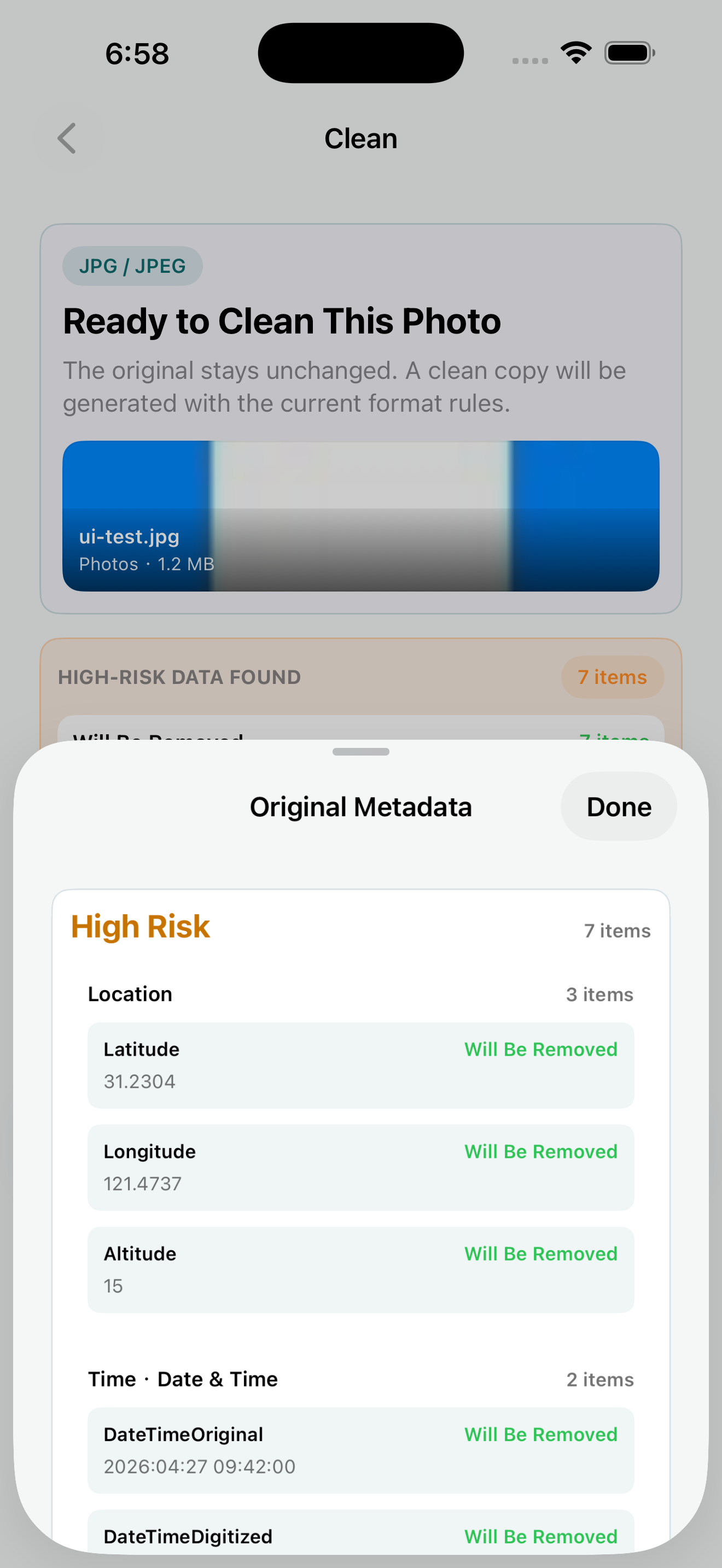
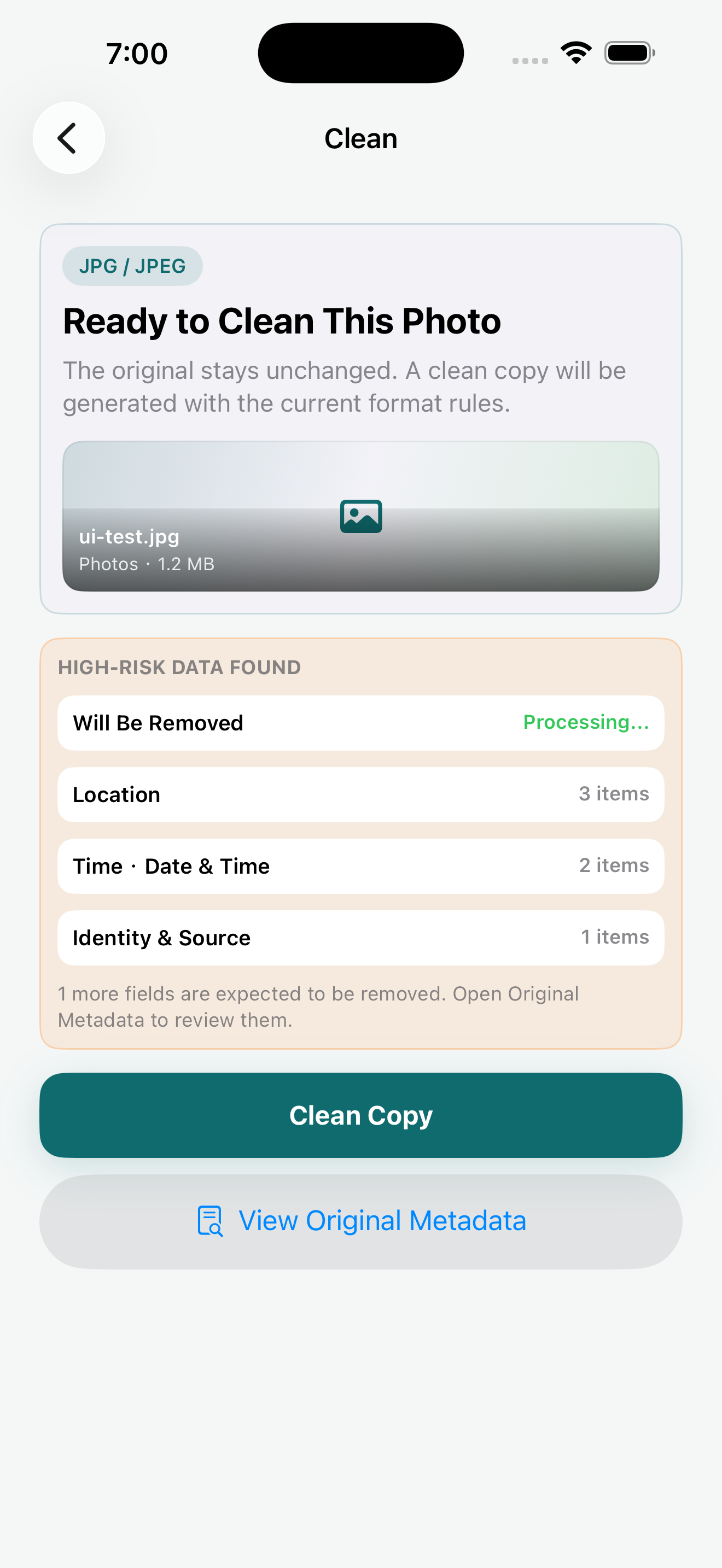
Photo cleaning happens locally on your iPhone; your images are not sent to a developer server for metadata cleanup.
The app creates a separate clean copy instead of overwriting the photo you imported.
Save to Photos, export to Files, or share the cleaned result through the iOS system share sheet.
Workflow
The page stays focused on the current public product: one-image metadata cleanup on iPhone.
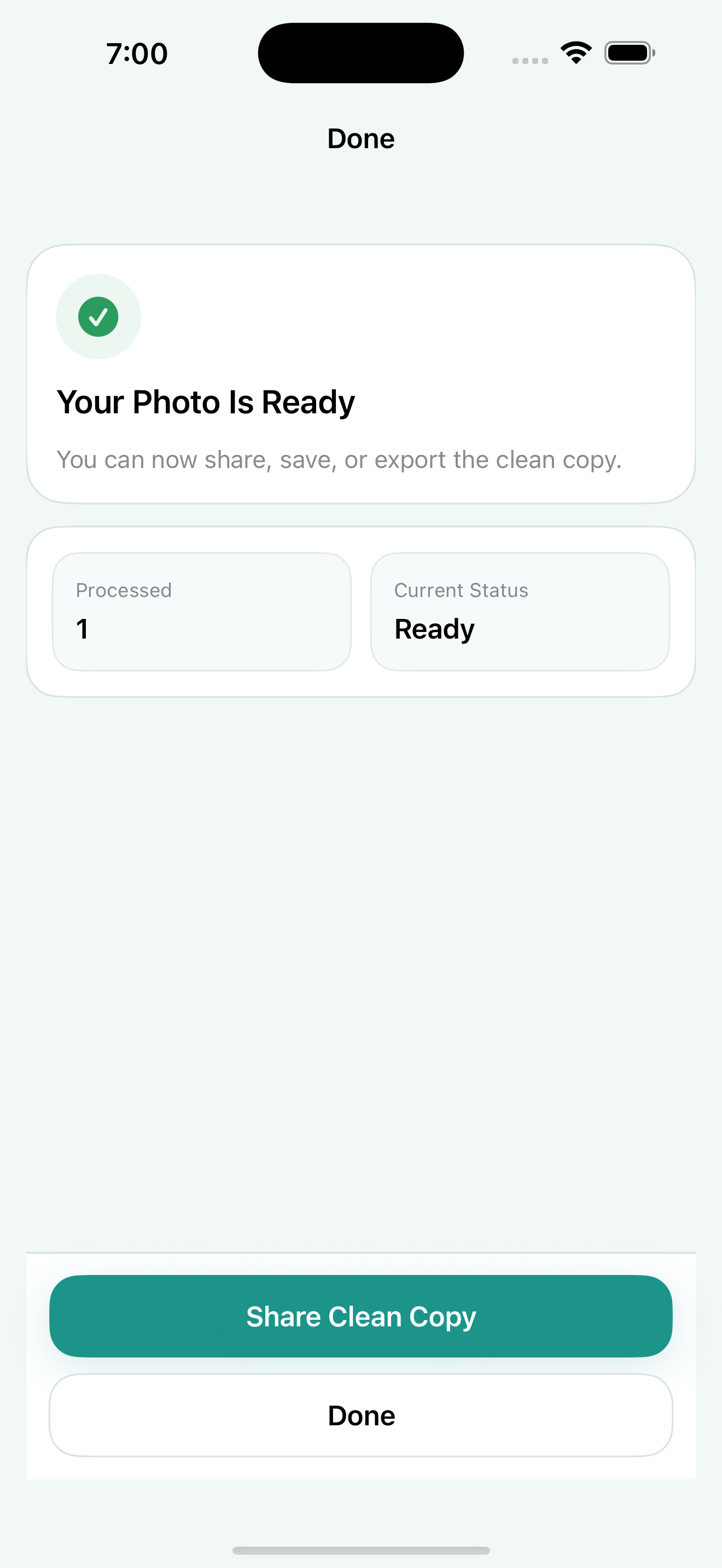
Pick one JPG, JPEG, PNG, HEIC, or HEIF image when you want a quick privacy check before sharing.
Check detected location, capture time, device, software, and source fields before creating the clean copy.
Generate a separate cleaned image, then save, export, or share it without changing the original.
Features
Use it before sharing images in listings, posts, messages, documents, or public galleries.
See the hidden fields that can travel with a photo, including common GPS, time, camera, software, and source metadata.
Exif Pic Gone focuses on the everyday iPhone photo formats people actually share: JPG/JPEG, PNG, and HEIC/HEIF.
Use the cleaned copy in the workflow you already know: save it back to Photos, export a file, or send it through the system share sheet.
Send one image into Exif Pic Gone directly from the iOS share sheet when you need a shorter path to a cleaned copy.
Share Extension
When you are already looking at an image in another iOS app, send one image to Exif Pic Gone from the system share sheet and create a clean copy without opening a longer workflow first.
Boundaries
Exif Pic Gone is intentionally described only by its current public iOS feature set.
Guides
These guides explain EXIF data, GPS metadata, marketplace listing photos, and clean-copy habits without expanding the product boundary.
FAQ
The practical questions most people ask before trusting a photo privacy utility.
No. Photo metadata cleaning is handled on your device, without sending images to a developer server for processing.
No. Exif Pic Gone creates a separate clean copy so the original image remains available if you need it.
No batch processing, no Pro, subscription, or advanced membership claim, no custom rule workflow, no video cleaning, and TIFF is not a public import or cleaning format.
App Store
Scan with your iPhone to open the App Store listing.
 Open App Store link