photo-privacy
A Photo Privacy Checklist Before Posting Online
Use this as a fast last look before a photo goes to Instagram, a listing, a portfolio, a forum, or a client thread.
Start with what people can see
The first privacy check is visual. Look for faces, license plates, house numbers, school logos, mail, screens, receipts, badges, labels, and reflections. Metadata removal will not fix sensitive information that is visible in the image itself.
If the destination is public, assume the image can be copied, archived, searched, and viewed out of context. Crop or blur visible details before you think about hidden data.
Then check the hidden fields
After the visible review, check metadata. GPS coordinates, capture time, device model, software, and source fields may still travel with the file. Different platforms handle metadata differently, so it is better to control the file before upload instead of relying on the destination to clean it for you.
A clean copy gives you a clear boundary: this is the version meant to leave your phone. The original can stay in your library with its full context.
- Review faces, addresses, documents, screens, labels, and reflections.
- Check GPS, time, camera, software, and source metadata.
- Create a clean copy instead of modifying the original.
- Share the clean copy through the destination you intended.
- For sensitive cases, re-open the copy and inspect it once more.
Match the workflow to the risk
A casual group chat may need only a quick look. A public marketplace listing, creator portfolio, journalist source image, freelancer delivery, or photo from a private space deserves a stricter check.
The point is not to make every share feel like a security audit. It is to build one repeatable habit for the moments when the audience is bigger than the people you trust.
Use Exif Pic Gone for the hidden layer
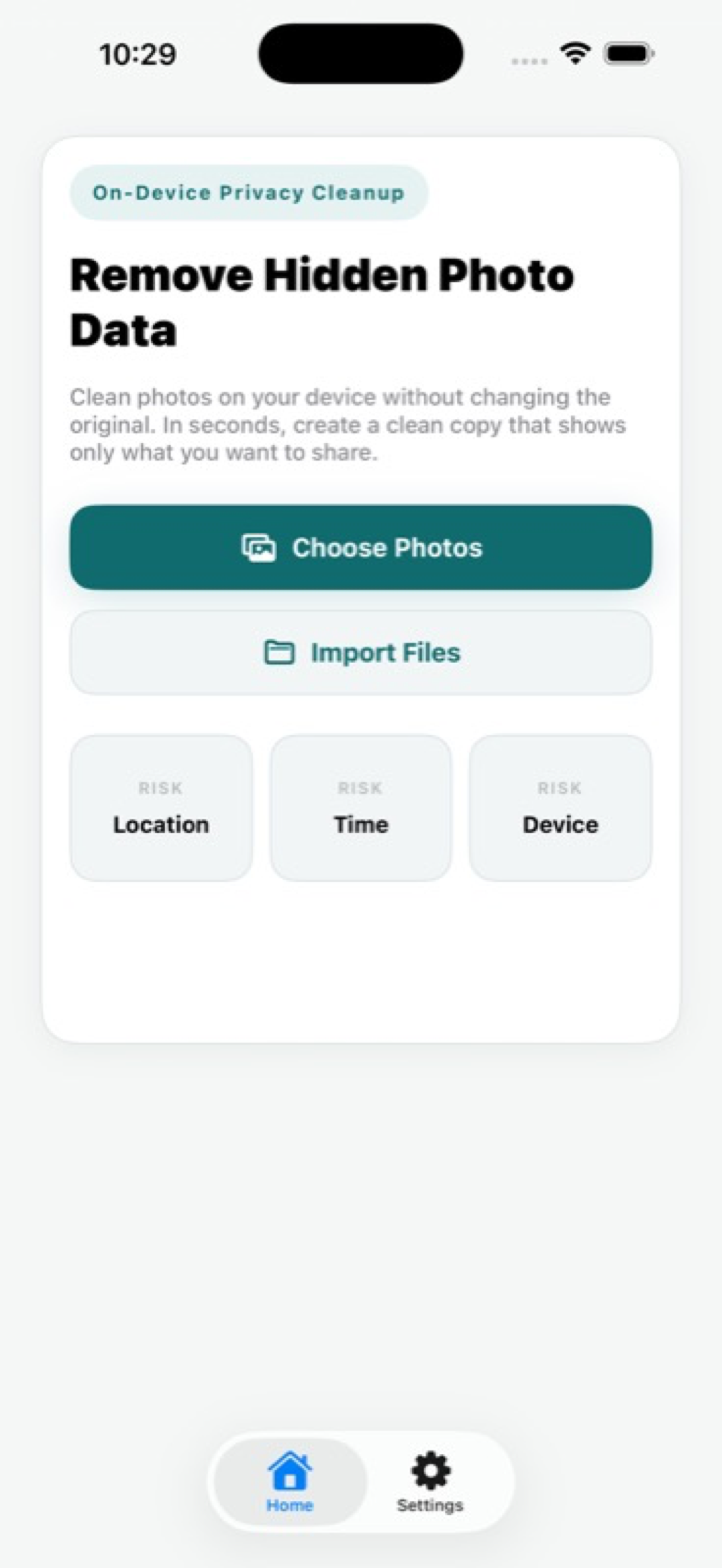
Exif Pic Gone supports the metadata side of that habit: inspect hidden fields in a supported iPhone image, create a cleaned copy locally, then save, export, or share it.
It does not replace visual judgment, cropping, or blurring. It handles the part of the photo that most people cannot see in the preview.
A quick checklist by destination
Different destinations deserve different strictness. A private message to a close friend may only need a quick visible check. A marketplace listing, portfolio image, public social post, or press-related image deserves both visible review and metadata cleaning.
When in doubt, ask one plain question: would I be comfortable if this file were forwarded outside the original audience? If not, prepare a clean copy before sending.
- Public social post: remove metadata and review visible clues.
- Marketplace listing: remove location and hide home details.
- Client or editor delivery: keep the original archived and deliver a clean copy when appropriate.
- Private archive: keep useful metadata unless you have a specific reason to remove it.
Make the habit repeatable
The best checklist is the one you actually use. Keep it short: visible review, metadata review, clean copy, final share. If a photo is sensitive, reopen the cleaned version and confirm you are about to send the right file.
That last check prevents the most common mistake: doing the privacy work, then accidentally uploading the original anyway.
Exif Pic Gone
Inspect metadata, then share a clean copy.
Exif Pic Gone helps you inspect and remove photo metadata on your iPhone, create a clean copy, and share that copy without uploading the image to a web tool.
FAQ
Is metadata the only photo privacy risk?
No. Visible details in the image often matter just as much. Check the picture itself before checking the file metadata.
Should every online photo be cleaned?
Not every image has the same risk, but public or low-trust sharing is a good reason to inspect and clean metadata first.
What is the fastest safe habit?
Inspect visible details, inspect metadata, create a clean copy, and share only that clean copy.
Can I use this checklist for marketplace listings?
Yes. Listings are a strong use case because product photos may be taken at home or near private locations.
