photo-privacy
HEIC, JPEG, and PNG Metadata: What iPhone Users Should Know
Changing formats is not the same as checking metadata. iPhone users should inspect the file they actually plan to send.
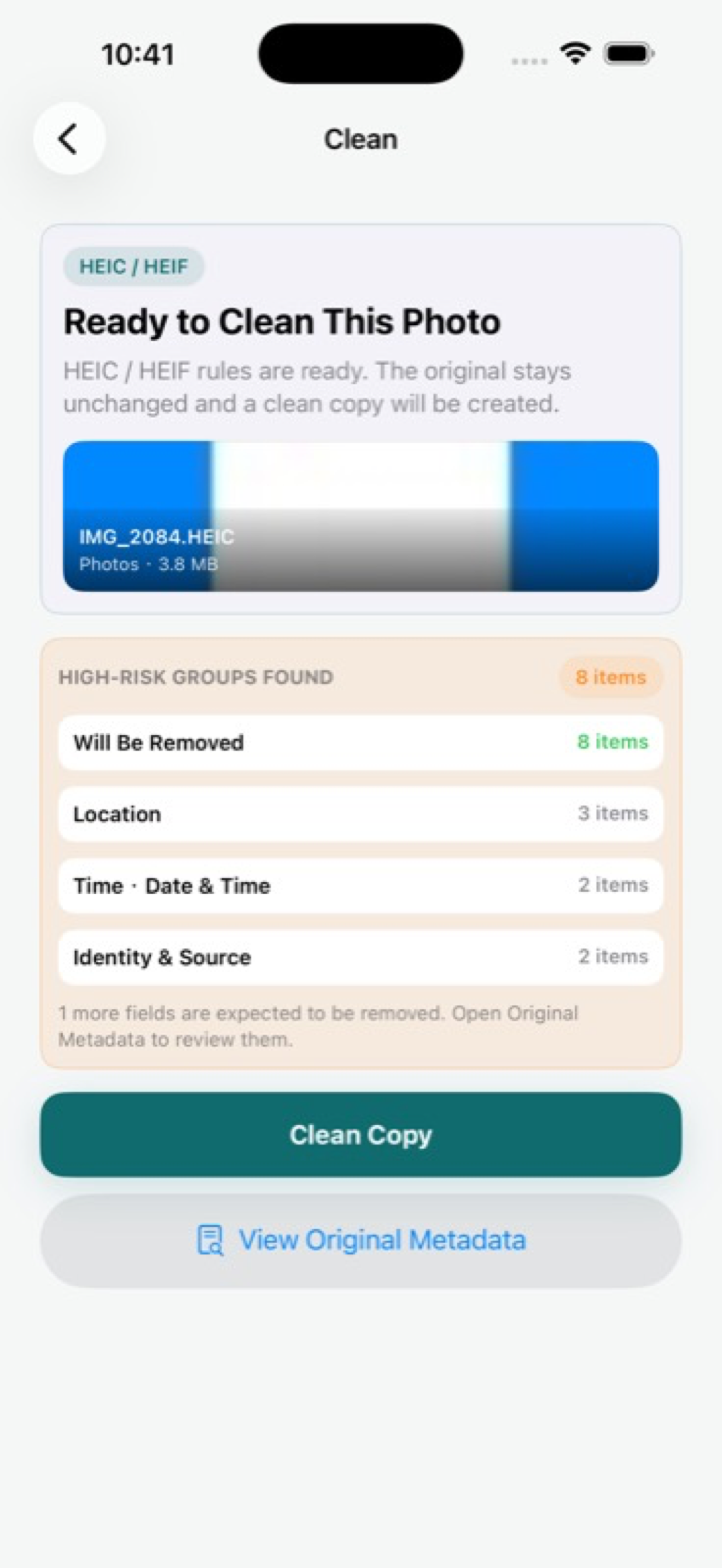
Format changes do not remove the need to check
iPhone users often see HEIC or HEIF for camera captures, JPEG when sharing or exporting, and PNG for screenshots, graphics, or edited images. The format influences how metadata is stored, but it does not answer the privacy question by itself.
The practical question is simpler: does this exact file contain hidden fields that should not travel with it?
What can be inside
JPEG and HEIC/HEIF images commonly carry camera and capture metadata. Depending on settings and workflow, they may also include location fields. PNG metadata works differently, but PNG files can still include text, software, source, or creation information depending on how they were made.
That is why format-based assumptions are weak. Conversion can change metadata, preserve some fields, or create new export metadata. Inspect the final file, not just the original.
- HEIC/HEIF is common for modern iPhone camera captures.
- JPG/JPEG is common for compatibility and web sharing.
- PNG is common for screenshots and graphics.
- Each format can deserve a metadata check before public sharing.
Common iPhone sharing situations
A camera photo may start as HEIC, become JPEG when sent through another app, then become a compressed version after upload. A screenshot may be PNG, then later be edited or exported. Each step can change the file.
For privacy, the safest inspection point is the version you are about to share, upload, or deliver.
Supported formats in Exif Pic Gone
Exif Pic Gone focuses on the everyday image formats iPhone users are most likely to share: JPG/JPEG, PNG, and HEIC/HEIF. It lets you view hidden fields and create a cleaned copy on the device.
The current public product boundary is intentionally narrow: supported image metadata cleaning, not video files or unrelated formats.
Why format advice is often oversimplified
Online advice often treats one format as safe and another as risky. That is too simple. A JPEG from a camera, a JPEG exported from an editor, and a JPEG downloaded from a platform may have different metadata. The same is true for HEIC/HEIF and PNG files created through different workflows.
The better question is always file-specific: what is inside this copy right now?
Check after export, not before
If you convert HEIC to JPEG, edit a PNG, or save a new version from another app, inspect the exported file. The export step is where metadata can be removed, preserved, rewritten, or replaced with new software information.
For public sharing, the final file is the only one that matters. Inspect the copy that is about to leave your device, not an earlier version you no longer plan to send.
Exif Pic Gone
Inspect metadata, then share a clean copy.
Exif Pic Gone helps you inspect and remove photo metadata on your iPhone, create a clean copy, and share that copy without uploading the image to a web tool.
FAQ
Is HEIC safer than JPEG for privacy?
Not automatically. HEIC/HEIF can still contain metadata. The safer habit is to inspect the file and create a clean copy when needed.
Can PNG files contain metadata?
Yes. PNG metadata is different from typical camera EXIF, but PNG files can still include hidden information such as software or source fields.
Does converting HEIC to JPEG remove metadata?
Sometimes conversion changes metadata, but it is not a reliable privacy control. Inspect the exported file you plan to share.
Which formats does Exif Pic Gone support?
The current public app supports JPG/JPEG, PNG, and HEIC/HEIF image metadata workflows.
