mindful-spending
How to Use a Shopping Pause App Without Turning It Into a Budget App
Worth It Later is intentionally smaller than a budget app because the critical moment happens before checkout.
Different job, different tool
Budget apps usually answer broad questions: where did money go, what bills are coming, how much can be spent this month, and whether accounts are on track. Those are valuable questions, but they are not the same as the checkout moment.
A shopping pause app answers a narrower question: should this specific nonessential purchase happen now?
Keep the input small
The more fields an app requires, the less likely you are to use it when you are standing in the middle of a temptation. Worth It Later keeps item name required and leaves price, link, category, and notes optional.
That design matters. A lightweight pause has to be easier than arguing with yourself inside a store page.
Use limits as structure, not punishment
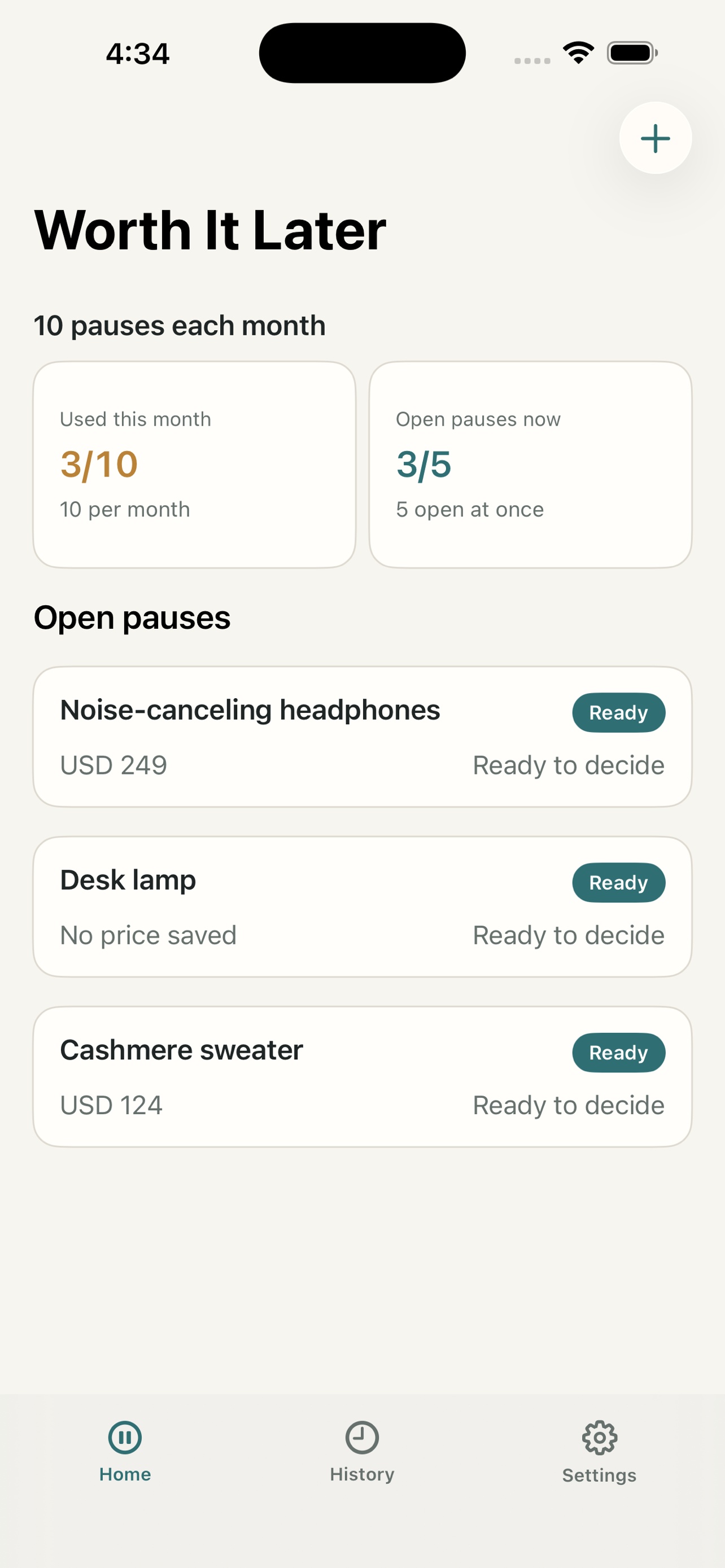
Worth It Later's free MVP uses 10 pauses each month and 5 open pauses at once. The point is to keep the product focused and usable, not to block decisions you already started.
Existing pauses can still be decided. A limit should never trap the user inside an unfinished purchase flow.
Review patterns, not every penny
The app can show kept money from skipped purchases when you entered a price, but that is not a bank statement. It is a feedback loop. It helps you notice that some categories, stores, or moods keep appearing.
If you need full cash-flow planning, use a real budgeting tool. If you need a pause before buying, use a shopping pause.
Protect the product boundary
Adding price tracking, coupons, deal alerts, or financing recommendations could make the app feel more powerful, but it would also pull the user back toward shopping. For a first version, restraint is part of the value.
The best version of this tool should help you close the tab, not keep you browsing.
Worth It Later
Pause the purchase before checkout.
Worth It Later helps you save a purchase, wait 24, 48, or 72 hours, then return to Buy, Skip, or Wait Longer without creating an account or connecting a bank.
FAQ
Can Worth It Later replace my budget app?
No. It is a pre-purchase pause tool. Use a full budget app for account-level planning and spending categories.
Why does the app have monthly and open-pause limits?
The free MVP uses limits to keep the workflow focused while still allowing a real pause habit.
Does the app track transactions automatically?
No. It records the items and decisions you enter. It does not connect to bank or card accounts.
Should I enter a price every time?
Enter a price when you want kept-money feedback. If the price is not useful, you can still pause the item by name.
